
A successful ticket launch starts with a shared plan. Your venue, production team, marketing partners, and ticketing team should work from the same event details. Use this guide to organize the decisions that shape the purchase experience, then turn those decisions into a clear launch brief. It works for concerts, theater productions, festivals, sporting events, and nightclub experiences.
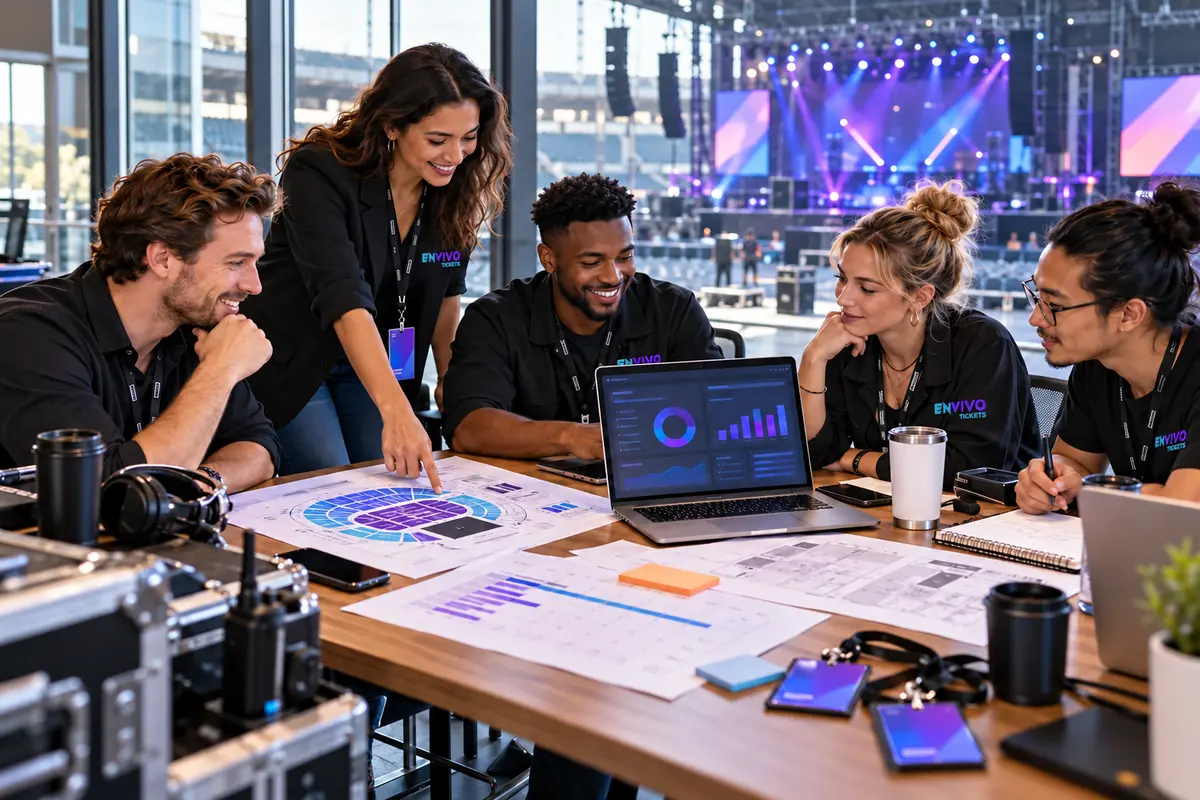
DEFINE THE EVENT BEFORE YOU DEFINE THE TICKETS
Confirm the date, time zone, site of the event, doors time, performance time, and approved capacity. Identify the person who approves event details and the person who approves the layout. Keep these details in one working brief so your event page, advertising, guest messages, and door instructions stay consistent.
If your event has several dates or sessions, decide how guests choose the correct performance. Treat each date’s inventory and arrival information as a distinct planning decision.
CHOOSE TICKET TYPES AND YOUR LAYOUT
List general admission, reserved seats, premium sections, tables, and packages. For each option, describe the admission it provides, the number of guests it covers, and the experience included. Confirm which inventory is available for sale and which seats or tables are held for production, sponsors, or other agreed uses.
For reserved seating, use the venue-approved layout as your starting point. Review section names, row labels, seat numbers, table capacities, and accessible seating arrangements with the venue.
PREPARE THE MOBILE PURCHASE EXPERIENCE
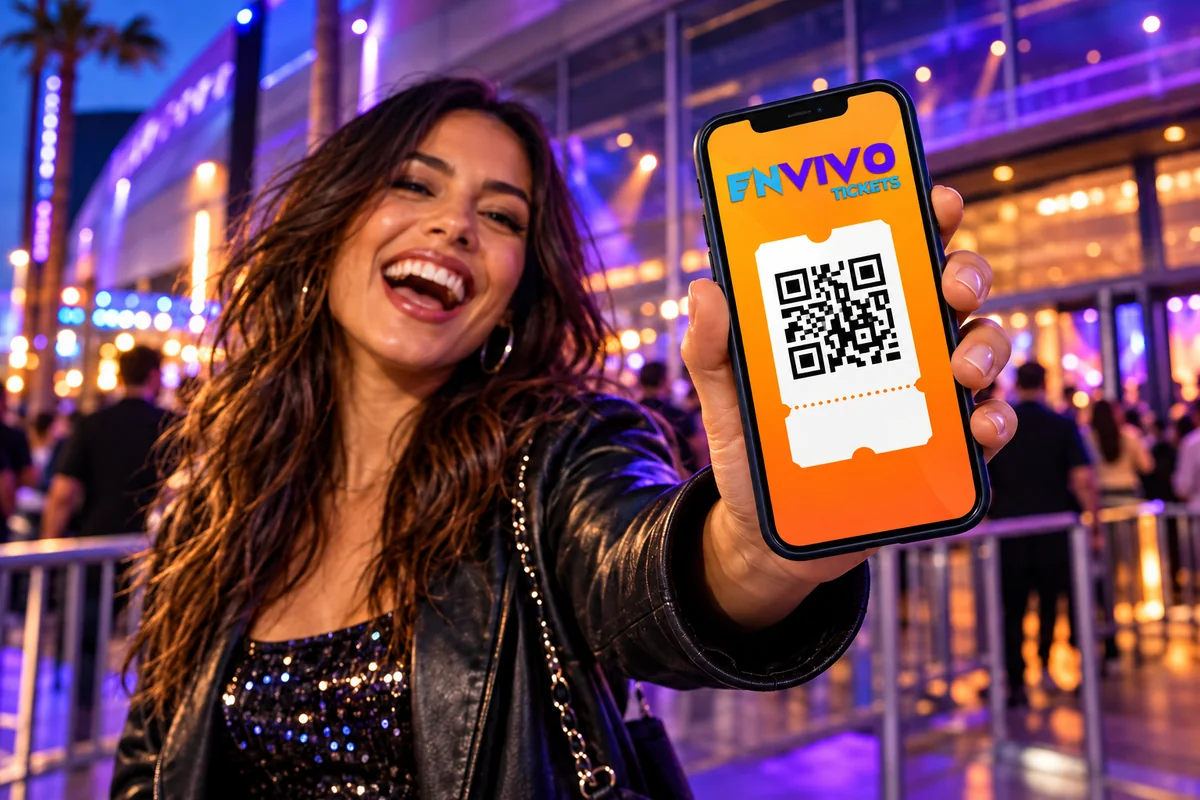
Build an event page that answers the practical questions: what the show is, where it happens, when guests should arrive, and which ticket they need. Review the experience from a phone, including choosing a seat or package and reaching checkout.
Explain digital ticket delivery and available wallet options. Apple Pay is available on compatible devices. Optional text reminders should be described with the pricing and terms presented during checkout.
COORDINATE MARKETING AND GUEST INFORMATION
Agree on the announcement date, creative approvals, campaign destinations, and reporting scope. EnVivo’s landing pages, branding, creative, marketing, and tracking services are available as upgrades tailored to your proposal. Prepare English and Spanish information for the audiences you serve.
Use the same purchase link across the campaign, with campaign tags where appropriate. Update guest-facing information whenever an approved event detail changes.
PREPARE FOR ENTRY AND THE EVENT CLOSEOUT
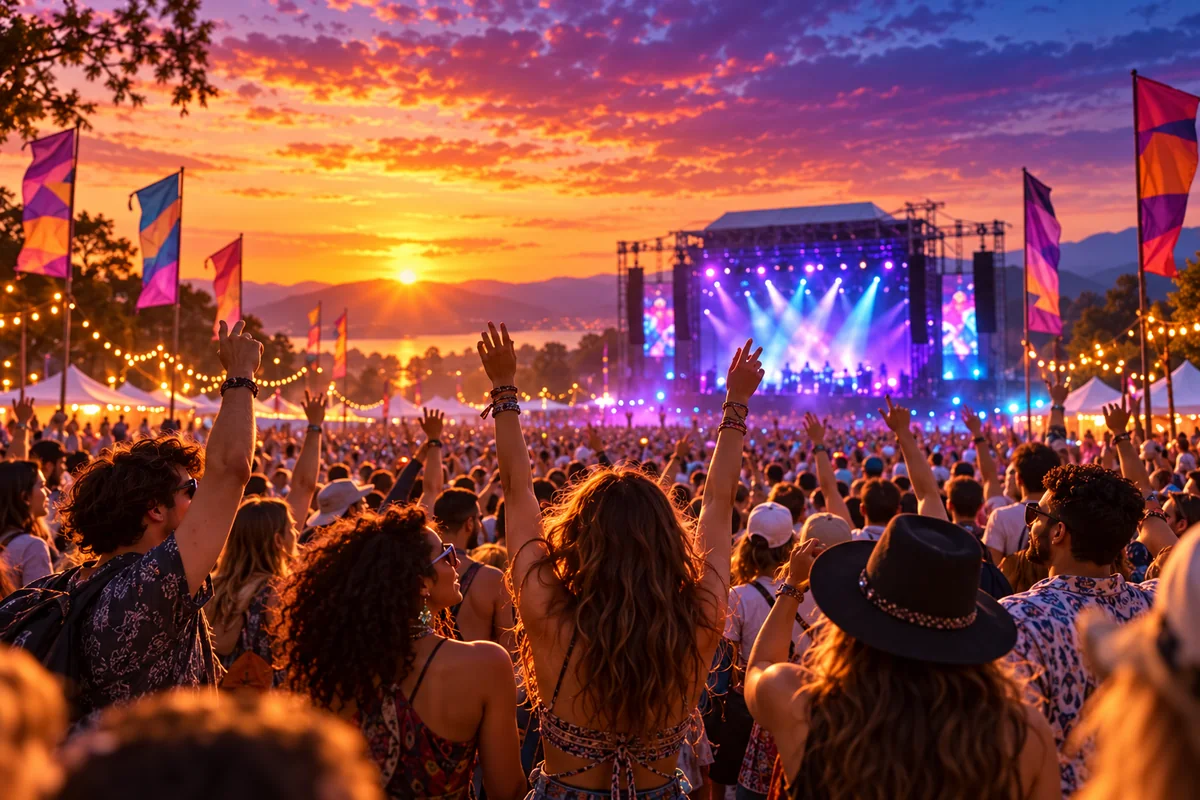
Before show day, confirm entry responsibilities, access categories, connectivity, and the route for guest assistance. Review the chosen check-in workflow with the team that will use it. After the event, reconcile ticket activity, refunds, adjustments, and settlement details. Secure payout transfers follow the timing and conditions in your event agreement, including banking and verification requirements.
YOUR PLANNING CHECKLIST
- Approved event details and layout
- Confirmed ticket inventory and package descriptions
- Mobile purchase journey reviewed
- Campaign and bilingual guest information approved
- Entry responsibilities and settlement terms agreed